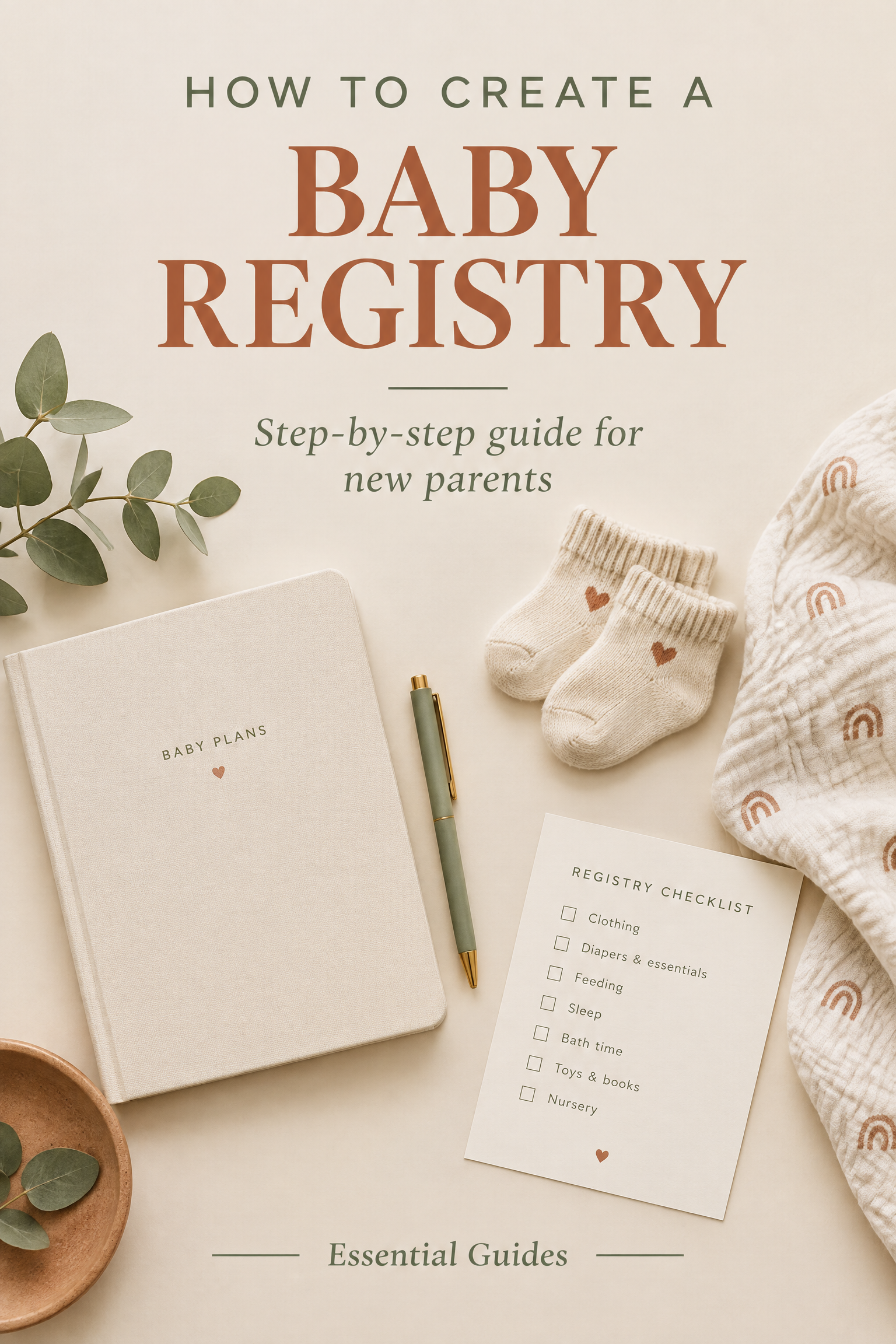
When you first discover you're expecting, the baby gear landscape feels like a maze of competing brand recommendations, expensive gadgets, and endless opinions. An Amazon Baby Registry is widely considered the gold standard for modern parents because it combines the world's largest catalog with two irresistible perks: a Free $35 Welcome Box and a 15% completion discount.
However, setting it up incorrectly can cost you privacy or lock you out of your completion discount when you need it most. Below is the step-by-step master guide to doing it right on your first try.
Navigate to the Official Baby Registry Portal
First, open the Amazon Baby Registry creation page on your desktop browser or the Amazon mobile app.
- If you already have an Amazon Prime account, make sure you are logged in. (Prime members get the full 15% discount and Free Welcome Box; non-Prime accounts only receive 10%).
- Click the large yellow button labeled "Create a Baby Registry".
Set Your Expected Arrival Date (Strategic Timing)
Amazon will ask for your baby's estimated arrival date. While you want this to be reasonably accurate, here is an insider secret every mom should know:
Your 15% completion coupon becomes active exactly 60 days before your entered arrival date. If you set your date to match your actual due date, your discount might unlock later than your baby shower! Consider setting your arrival date 2 to 3 weeks earlier than your official due date so your discount unlocks right as you're ready to purchase leftover items.
Configure Privacy & Shipping Address Settings
Amazon gives you 3 privacy options. Choosing the right one protects your home address while keeping gift-giving simple:
- Private: Only you and your partner can view the list. Use this during the first few weeks while you're brainstorming.
- Shared (Recommended): Only individuals with your direct custom URL can see the registry. It will not show up in Google search results.
- Public: Anyone searching your name on Amazon or Google can find your registry.
Shipping Address Note: When you select your default delivery address, check the box that says "Allow gifts to be shipped to my address". Amazon automatically conceals your street address from buyers — guests will only see your name, city, and state.
Enable Group Gifting & The Universal Diaper Fund
Before adding a single item, toggle these two critical settings on:
- Enable Group Gifting: Set your threshold (typically $50 or $100). Any item priced above this amount allows multiple friends, coworkers, or relatives to chip in partial amounts toward the total. This makes expensive items like strollers, gliders, and cribs accessible.
- Add a Diaper Fund: Guests love gifting diapers, but babies grow out of sizes rapidly. Enabling the Diaper Fund allows guests to contribute funds directly to an Amazon balance so you can buy diapers on-demand as your baby grows.
Ready to Set Up Your Registry?
It takes 2 minutes to lock in your eligibility for the Free $35 Welcome Box, 365-day returns, and 15% completion discount.
👉 Open Amazon Baby Registry PortalComplete 60% of the Interactive Registry Checklist
On your registry dashboard, Amazon provides an interactive Checklist Tool covering categories like Nursery, Feeding, Diapering, Bedding, and Toys.
To unlock your free Welcome Box, you must complete at least 60% of this checklist. You can do this in two ways:
- Add a product from that category into your registry, OR
- Click the category title and manually check off "I already have this" or "I don't need this".
You don't need to purchase items in every category to hit 100%! Simply ticking the box confirms you've considered the category.
Nursery Sleep Setup: Don't Guess, Follow the Science
While populating the sleep and bedding section of your checklist, remember that infant sleep safety is paramount. Check out the comprehensive guides at Baby Sleep Optimizer for pediatric recommendations on room temperature, safe swaddling practices, and white noise volumes that prevent sleep regressions before baby arrives.
Place the $10 Qualifying Order to Claim the $35 Welcome Box
Once your checklist hits 60%+, there is only one step remaining to claim your Free Welcome Box: a minimum of $10 must be purchased from your registry.
- You do not have to wait for a baby shower guest to make a purchase!
- Add a staple item you know you need (such as a pack of baby wipes, diaper rash cream, or nursing pads for $10+).
- Purchase it directly from your registry link.
- As soon as the item ships, go back to your Baby Registry homepage and click the "Claim Your Welcome Box" button. The $35 box will appear in your cart with a $35 promotional discount, making it 100% free!
Share Your Custom Link with Guests & Shower Hosts
Amazon creates a shortened, shareable URL for your registry.
- Navigate to your registry header and copy your public link.
- Send this URL to your baby shower hostess to print on shower invitations or include on your digital Evite / Paperless Post invites.
- Guests can sort by price, category, and items already purchased to eliminate duplicate gifts.
Trigger Your 15% Completion Discount on Remaining Gear
After your baby shower has wrapped up, review your registry for items that weren’t gifted.
Sixty days before your arrival date, a banner will appear offering your 15% Completion Discount. You can apply this discount to up to two orders of eligible items sold and shipped by Amazon (up to $2,000 total spend, which can save you up to $300 in cold cash).
Waiting Too Long to Start
The 15% discount requires your registry to be active for at least 14 days before it can unlock. Don't wait until week 36 to register!
Forgetting Third-Party Sellers
The 15% completion discount applies strictly to items sold and shipped by Amazon. Look for "Ships from and sold by Amazon.com" on high-ticket items.
Missing the Welcome Box Window
Welcome Boxes regularly go out of stock during peak seasons. As soon as your $10 qualifying order ships, claim your box immediately!
Leaving the Registry in Private Mode
Make sure you switch your registry to "Shared" or "Public" before your shower host prints and mails your shower invitations.
Create Your Amazon Baby Registry in 2 Minutes
Join millions of expecting mothers. Claim your Free $35 Welcome Box, 365-day returns, and 15% completion discount today.
🎁 Create Your Free Baby Registry Now